
SafePal vs Keystone: Air-Gapped Wallets Compared
29 October 2026
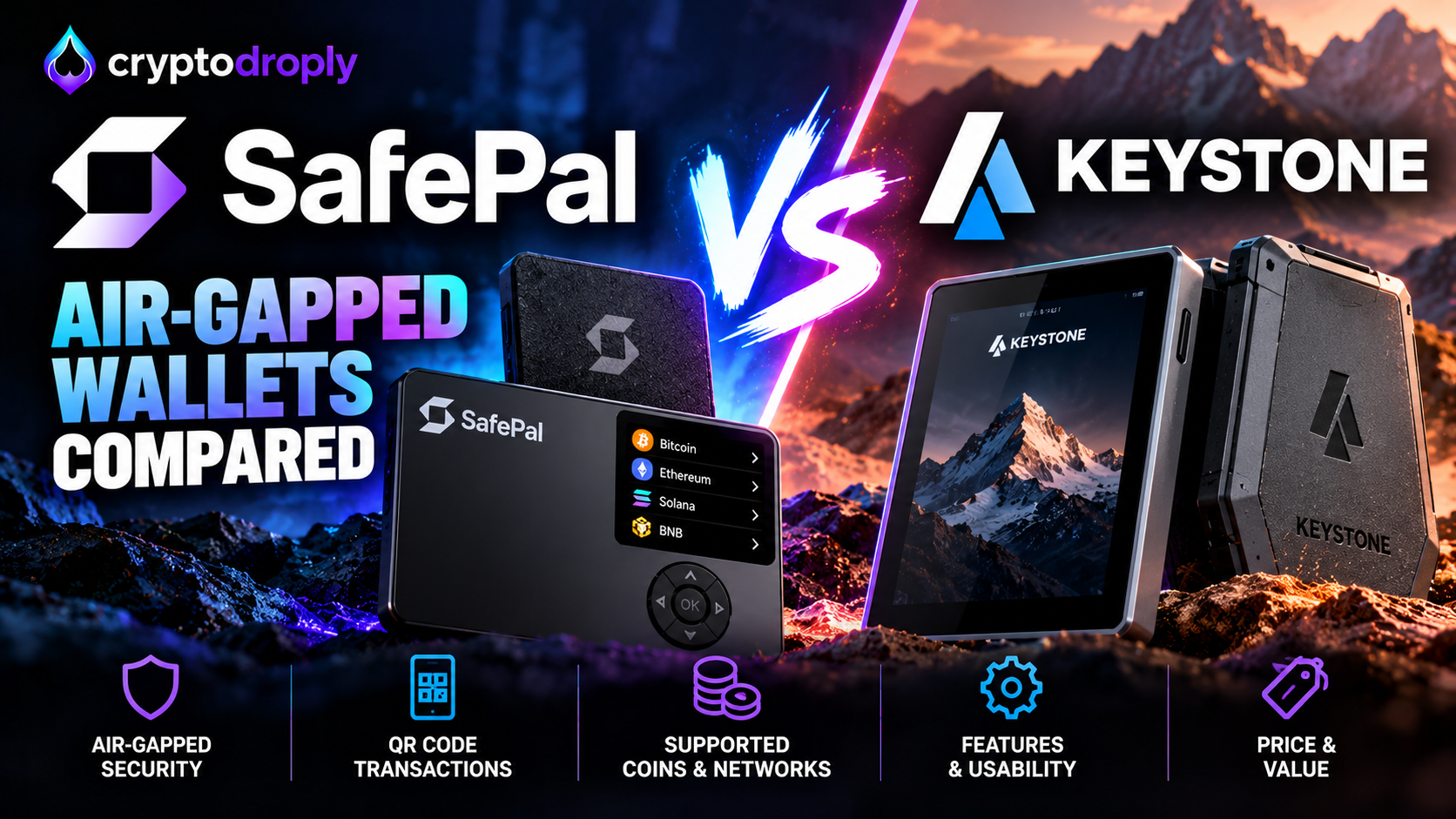
Most hardware wallets connect to your phone or computer by USB or Bluetooth. Some do not connect at all. They talk to your phone through QR codes only. This design is called air-gapped.
This guide compares two air-gapped wallets from the directory: SafePal Wallet and Keystone Wallet. It also shows where an exchange like OKX (MiCA) and a browser wallet like Metamask fit into a safe setup.
What air-gapped means
Air-gapped signing lets you sign a crypto transaction without radio signals or a physical connection. It uses QR codes and image recognition, so it does not rely on the internet or an external signal.
The flow is the same on most devices:
- You build a transaction in an app on your phone or computer.
- The app shows the unsigned transaction as a QR code.
- The hardware wallet scans it and shows the details on its own screen.
- You check the details and approve.
- The wallet shows a signed QR code, and your phone scans it and sends it to the network.
The private key never leaves the device. The QR codes carry only transaction data and signed output, not key material.
SafePal Wallet
SafePal is built around affordability and multi-chain support. Per the directory page, it supports Bitcoin, Ethereum, BNB Chain, Solana, Polygon, Tron and many other chains. It never connects by USB or Bluetooth. Binance Labs was an early investor.
Reviews of the SafePal S1 add some detail:
- The device uses a camera and a 1.3-inch color screen to scan and display transaction data.
- It has a 400mAh battery.
- The micro-USB port charges the battery and nothing else.
- The SafePal mobile app handles portfolio tracking, sending, receiving, swaps, DApps and NFTs, and it pairs with the S1.
- Because the device has no network connection, firmware updates are done manually through a computer.
There are trade-offs. The small screen makes it harder to check long addresses. One review says the full signing flow takes roughly 30 to 60 seconds. One reviewer also notes the firmware is closed-source, so you rely on SafePal's audit claims.
Reviews also disagree on the secure element rating. One lists an EAL 6+ secure element. Another lists EAL 5+. Check the maker's official documents before you buy.
Keystone Wallet
Keystone is also fully air-gapped. Per the directory page, a transaction is generated on your computer or phone, shown as a QR code, scanned by Keystone, signed offline and returned as a signed QR. It supports Bitcoin, Ethereum, EVM chains, Solana, Cosmos and Polkadot. It works with MetaMask, Rabby, OKX Wallet and Sparrow.
Reviews of the Keystone 3 Pro describe a few more features:
- It has a 4-inch color touchscreen.
- It uses three Secure Element chips and open-source firmware.
- It also has Shamir Backup, fingerprint authentication and a passphrase option.
- It communicates only through QR codes and microSD cards.
- USB-C is for charging only.
The trade-off is speed. One review says it is slower than Ledger for daily use, because you trade convenience for strong isolation. The same review says it lacks native staking.
SafePal vs Keystone at a glance
| SafePal Wallet | Keystone Wallet | |
|---|---|---|
| Signing method | QR codes | QR codes (microSD also available) |
| Screen | 1.3-inch (S1) | 4-inch touchscreen (3 Pro) |
| Main app | SafePal app | MetaMask, Rabby, OKX Wallet, Sparrow |
| Firmware | Closed-source, per one review | Open-source, per reviews |
| Best for | Budget cold storage, many chains | Large screens, EVM and DeFi use |
Both fit people who hold crypto for the long term. Keystone suits you if you check details closely and use EVM apps. SafePal suits you if you want a simpler, app-led setup. One review notes that both use the same signing model. Because prices change and differ by source, check the current price on the official store.
Where OKX and MetaMask fit
A hardware wallet stores your keys. You still need a way to buy crypto and a way to use apps.
OKX is a global exchange with spot trading, derivatives and staking. It also has an integrated non-custodial Web3 wallet. Per the directory page, KYC is required for fiat deposits, withdrawals and higher trading limits. A common safe pattern is to buy on the exchange. Then withdraw to an address you control on your hardware wallet. Follow the identity checks and tax rules in your country.
MetaMask is a browser wallet for EVM apps. With Keystone, you scan a QR code to sign a MetaMask transaction, with no USB, Bluetooth or WiFi. That means MetaMask shows the app and the request, while the hardware wallet holds the key and approves it.
A simple setup looks like this:
- Buy on OKX (MiCA).
- Withdraw to your hardware wallet address.
- Use MetaMask or the OKX Wallet to connect to apps.
- Approve each action on the air-gapped device.
What to do
- Pick your device first. Compare the SafePal Wallet and Keystone Wallet pages. Check the chains you hold against each supported list.
- Buy from the official store only. Avoid resellers and second-hand devices. Check the packaging is sealed.
- Set up the device yourself. Generate the recovery phrase on the device. Never type it into a phone or computer.
- Back up on paper or metal. Store copies in separate safe places. Never take a photo of it.
- Send a small test first. Withdraw a small amount from your exchange. Confirm it arrives. Then send the rest.
- Read the screen every time. Compare the full address and amount on the device, not only on your phone. The small SafePal screen needs extra care.
- Use a passphrase if you understand it. Both devices support one, but losing it can mean losing access.
- Keep records. Note your deposits and withdrawals for tax reporting in your country.
An air-gapped wallet removes many remote attack paths. It does not protect you if you approve a bad transaction or share your recovery phrase. Always read what you sign.
Tools mentioned
- SafePal Wallet: Air-gapped hardware wallet with QR signing and multi-chain support.
- Keystone Wallet: Air-gapped hardware wallet that works with MetaMask, Rabby, OKX Wallet and Sparrow.
- OKX (MiCA): Exchange with spot, futures and an integrated Web3 wallet.
- Metamask: Browser wallet for EVM apps that can pair with a hardware wallet.
Sources
- SafePal support: Air-gapped Signing Mechanism
- Coin Bureau: SafePal S1 Review
- Bitcoins.tools: SafePal S1 Review
- Snout0x: SafePal S1 Review
- TokenToolHub: SafePal Wallet Review
- CryptosBeginner: SafePal S1 Review
- Blockchain Center: SafePal S1
- Cypherock: Keystone 3 Pro Review
- Snout0x: Keystone 3 Pro Review
- Blockdyor: Keystone 3 Pro Review
- Banks for Crypto: Keystone 3 Pro
- Publish0x: Keystone 3 Pro Review
This article is for information only and is not financial advice.